Meet Hora, the calm calendar for Mac
Hora brings every calendar on your Mac together with a task board and an assistant that sets things up from a sentence. Plan the week without switching apps.

Hora connects your Google, iCloud, Exchange and CalDAV calendars, your tasks and a helpful assistant in one window, so every plan has a place and nothing slips.
Your events stay in your accounts. Tasks sync through your own iCloud.
Calendar
Drag across time. Name it. Done.
Day, Week and Month views that feel at home on the Mac. Create, move and resize events by hand, and swipe sideways between weeks.
Assistant · ⌘J
Say it. Hora sets it up.
Type or talk — “Lunch with Sam on Friday at 1pm” — and Hora drafts the event as a card to check, with the right email account picked for you. Nothing is added until you press Add.
Tasks
To-dos that land on your days.
A board from Backlog to Done, with priorities, notes and due dates. Put any task on your calendar in one step.
Accounts & widgets
Every account. Right on your desktop.
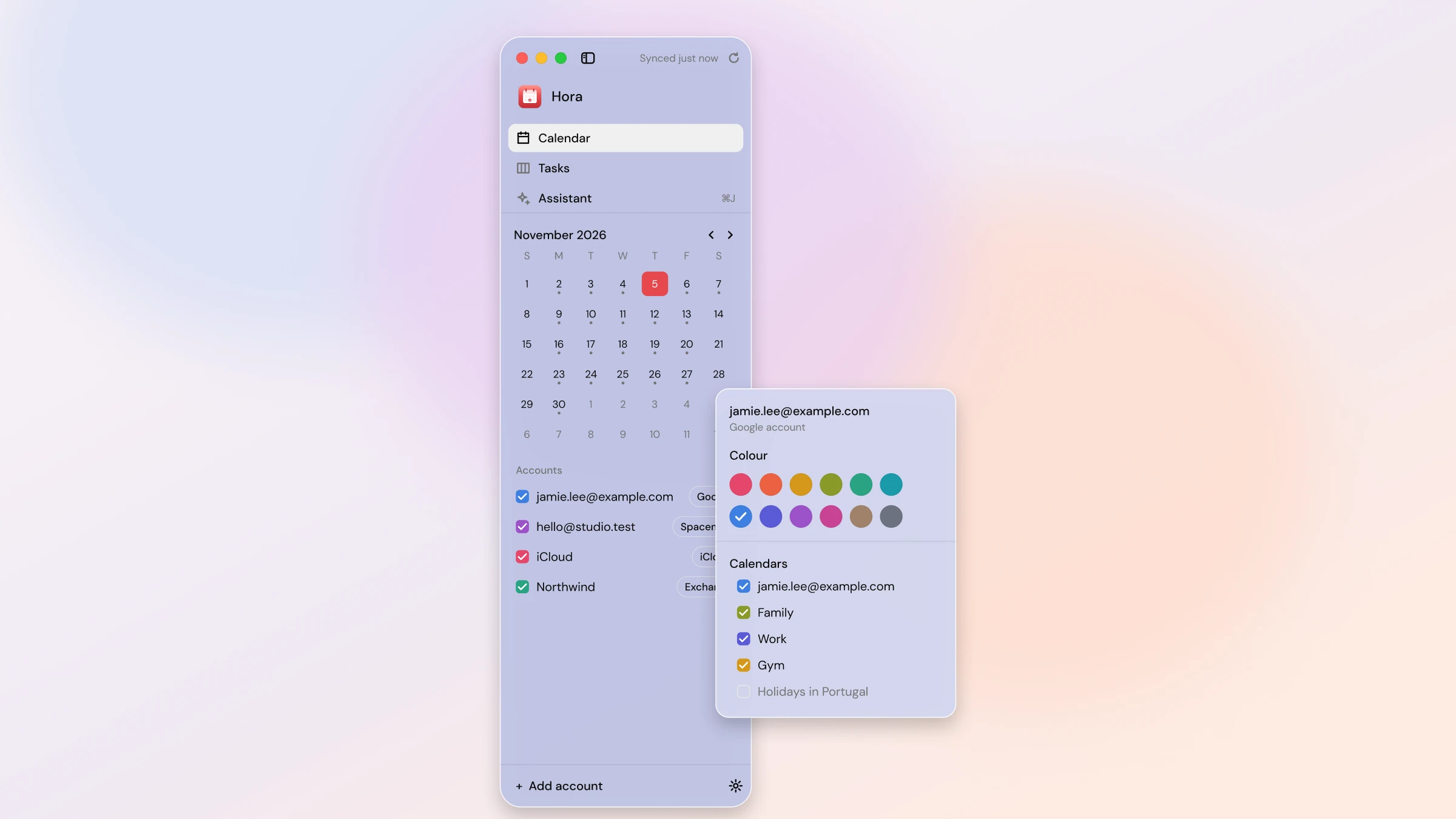
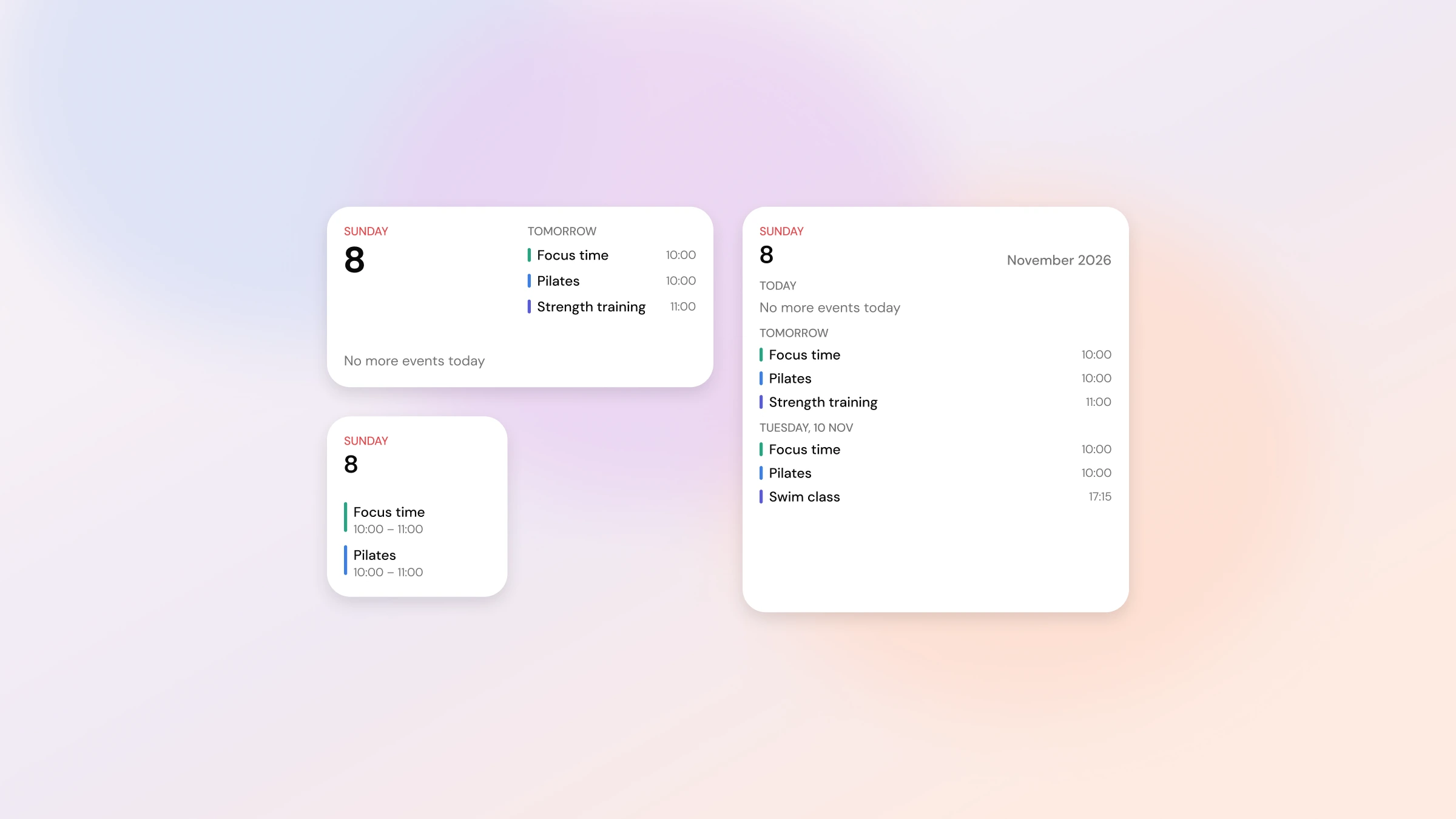
Hora uses the accounts already on your Mac — nothing new to sign in to. Pick a colour for every calendar, and keep your next events in a widget.
And more
The small things, done well.
Join call
One click into Meet, Zoom, Teams, Webex or FaceTime.
Search
Find any event or task by name, place or note. ⌘F.
Invitations inbox
What's new, and what you've already answered.
Alerts
Gentle reminders before events and when tasks are due.
Light and dark
A frosted glass look that follows your Mac.
iPhone on the way
Tasks and settings already sync through iCloud.
Private by design.
Hora has no account and no server. Your calendar stays in your calendar.
No sign-up
No accounts, tracking or ads. Ever.
Your iCloud
Tasks and settings sync through your own iCloud, not ours.
You choose the assistant
Requests leave your Mac only if you pick Claude, with your own key.